
Quality Control - Optical Scanner
3D INDUSTRIAL MEASUREMENT SOLUTIONS
fast, accurate, scalable, portable, and reliable

 Home Contact Employment Site Map

Quality Control - Optical Scanner


Applications - Quality Control
Applications
--- Quality Control
------- Toolmaking
------- Injection Molding
------- Sheet Metal
------- Turbines
------- Aerospace
--- Reverse Engineering
--- Rapid Manufacturing
--- 3D Visualization


Have Capture 3D Benchmark Your Application


Sheet Metal

Sheet Metal

Quality control of a sheet metal part using digitizing and adequate inspection tools

Measuring Systems: ATOS

Keywords: Springback, Trimming, Hole pattern, Edges

Quality Control and Quality Management have become increasingly important for automotive companies as global supplier networks are used. The challenge is to deliver modules from various suppliers which have to meet the specifications and allow a seamless assembly in the centralized production lines. For these applications CMM's (Coordinate Measuring Machines) with customized fixturings are typically used, touching a few, discrete data points to generate an inspection report.


Fig. 1: Shaded view of the digitized data

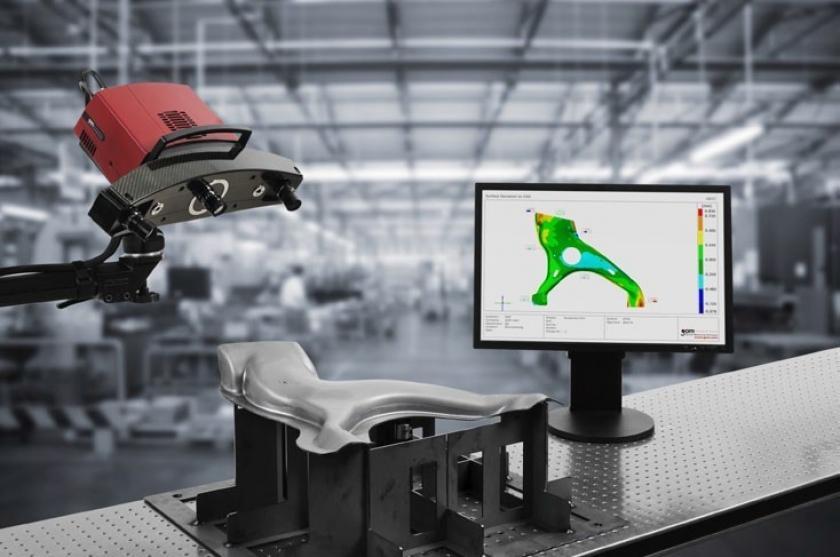
As CMM's cannot provide the data density required for free form and organic shapes in an acceptable time, optical scanners are quickly establishing themselves in this market. For these applications special evaluation software has been developed to allow full use of the advantage of optical scanners, making Quality Control flexible and efficient.

Optical 3D scanners used to have difficulties defining the 3D position of data points on the border or on sharp edges. Therefore parts with holes and borders which have to be measured, e.g. sheet metal parts, are still measured by CMM's or measuring arms.

Optical 3D scanners
Fig. 2: Detailed view of the digitized data (STL-format)

With the ATOS scanner with the installed software version 4.7, "feature lines" can be defined in a semi-automated manner. Using this module, border lines and holes are accurately defined and the data is included in the digitized 3D point cloud data. From this data, Quality Control software packages can derive fast individual data points, data defining geometrical elements and border lines as well as the form of the surface.

The process is demonstrated with a stamped sheet metal part from VW, digitized using the ATOS scanner with the software version 4.7.

Using the new "feature line" module in the ATOS software version 4.7, the holes and edges are defined in a semi-automated process as given in figure 3. The data is displayed in the same viewer (Fig. 1) and the same coordinate system as the "surface" data. In figure 4, the feature line data is clearly visible, as the "surface" data is set inactive.

Fig. 3: Feature lines defining in ATOS, based on the images gathered during digitizing: Border line (left) and hole (right)

Then the master CAD data and the measured data were imported into PolyWorks/INSPECTOR from INNOVMETRIC and analyzed.

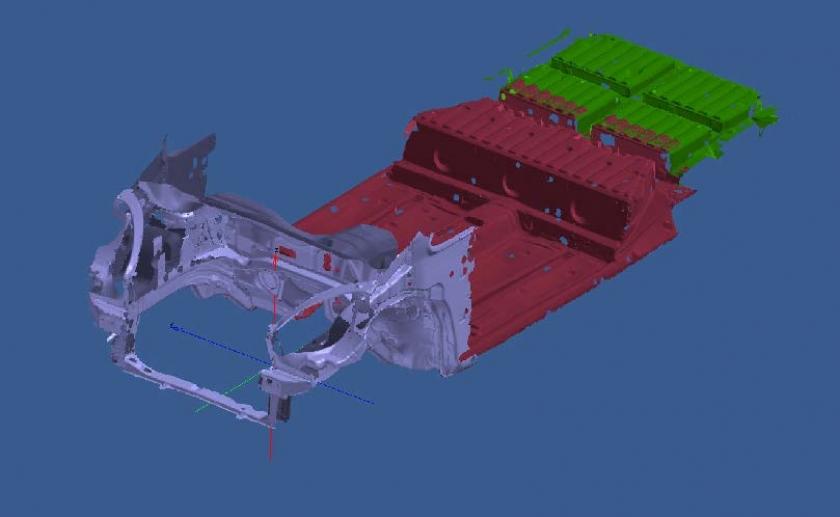
If the part is stable, no special fixturing is needed to digitize the part using the optical scanner. This leads to a fast and flexible use of the scanner. This "easy" scanning will not bend the part into the fixturing, producing good data for a part which can cause problems in assembly. In addition this data allows the verification of the part against its CAD data using different alignment strategies, to visualize and understand the deviations caused by the alignment and the part deformations. If needed, the part can be digitized in a fixturing to hold its shape. If a part is digitized twice, as individual part and in its final position, the deformation caused by the assembly is defined and can be analyzed. This deformation analysis is a daily routine in many automotive companies using the ATOS scanner to digitize the inside and the outside of full size cars.


Fig. 4: Feature line data generated by ATOS (Fig. 1 with inactive surface data)

From CMM data, "standard" Quality Reports can be derived. Based on the more comprehensive data gathered by an optical scanner, in addition, a color plot of the deviation is easily available which visualizes in a graphical view the actual part and its deviation. Using these tools, the go, no-go decision is made, and in addition the process can be validated and potential problems can be detected in time. This allows a closed loop process control, producing better quality with lower production costs and easy management of Quality Control in production.

The ATOS scanner data is available as ASCII, SURF and STL (polygonized) data. In addition, section data can be calculated and exported in ASCII, IGES, VDA, ISO and STRIM format. The feature lines data defined in the ATOS software can be exported as: ASCII, IGES, VDA and the PW-feature-line format.

The scanner data is imported into INSPECTOR using the "SURF" format, and the PW-feature line format. Using these formats, a seamless integration of the digitizer data is established, with a fit of geometrical elements into the "hole" data, using best fit or minimal- and maximal circle. In addition statistical deviation values are calculated and available.

Best fit of the data from the ATOS digitizer into the CAD data using the RPS-Method

In the automotive industry RPS method (alignment using well defined features and areas) is often used, based on holes and support-areas as given in Figure 5. The RPS information is used to build the fixturings needed for CMM's to measure the part. If digitized data is available, the RPS information is used to align the scanner data into the CAD data.


Fig. 5. CAD data from VW with RPS alignment information (Volkswagen, Germany)

Deviation of the digitized data from CAD

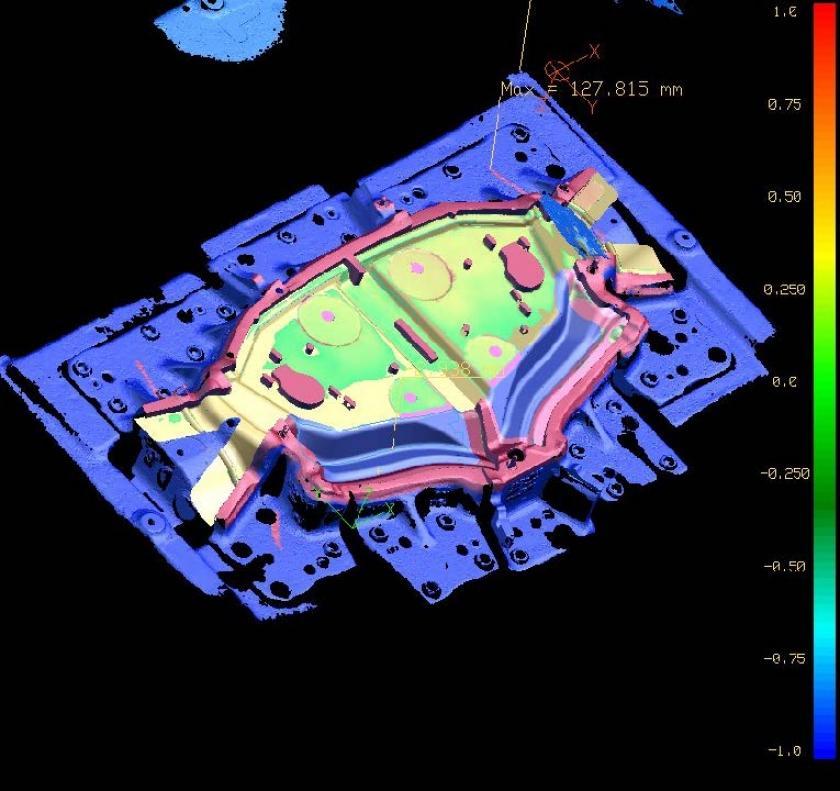
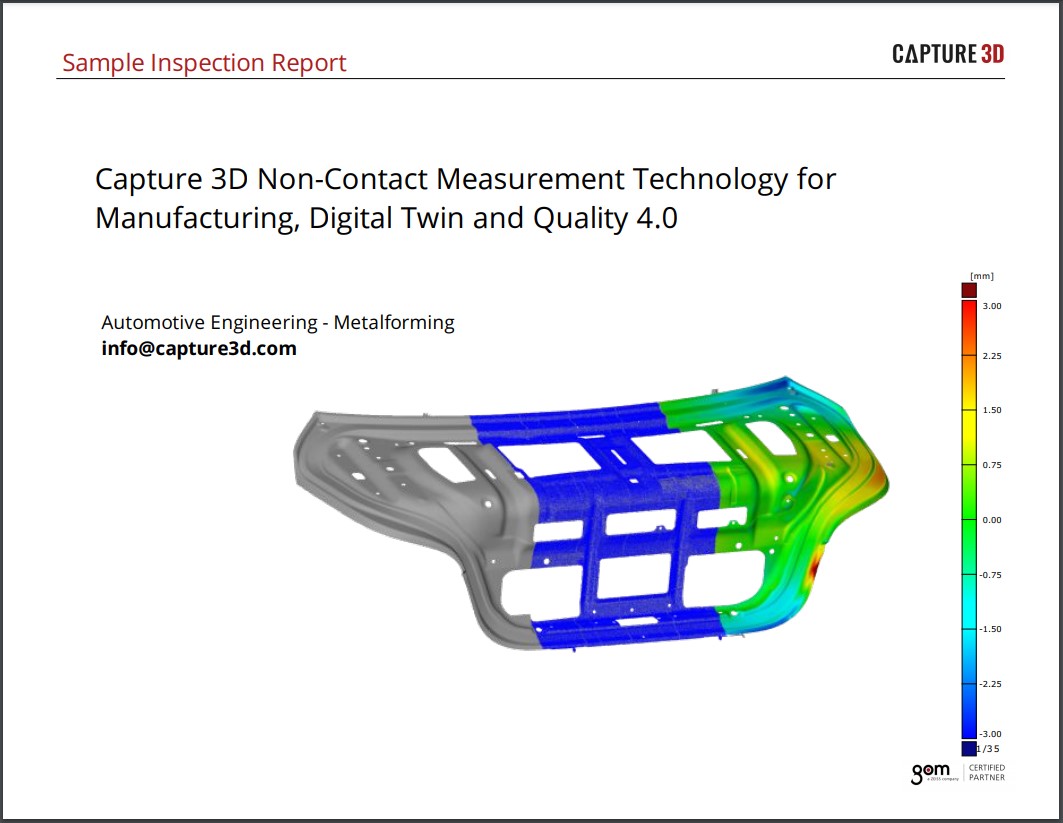
After the alignment, the deviations of all measured data points to the CAD data can be defined. In addition to the labeling of each individual point, a colored display of the deviations is now possible due to the ample measured data points. The color coding, the scaling and the tolerance bands can be customized to allow a fast and clear understanding of the Quality Control evaluation.

Fig. 6: Colored deviation plot (distance from digitized data to CAD data) calculated and displayed in the ATOS software Fig. 7: Aligned according RPS information in INSPECTOR, with labeling of the deviation of individual data points Fig. 8: Sections with its deviation from the CAD data

Sections

To visualize and understand the deviation of the part, sections can be calculated and compared against the CAD data.

Verification of Border Lines

To verify the accuracy of the borderlines, the feature line data from ATOS is compared to the border line of the CAD data. Here, the absolute value as well as the normal and the tangential deviation (cutting- or spring back error) can be calculated and visualized.

Fig. 9: Spring back (left) and cutting error (right) of the border line, calculated and displayed in INSPECTOR

Export of results and reports

For the documentation and the post processing of the findings, data and images can be stored and exported in different standard formats, including Word, Excel and HTML-Format to meet the customers Quality Control system.

This project was made in co-operation with VW, GOM, PolyWorks/Inspector and Duwe-3D Software & Consulting.